

Labels
from £8.75Rolls for Scriptor
You're shopping in United Kingdom, prices in GBP.
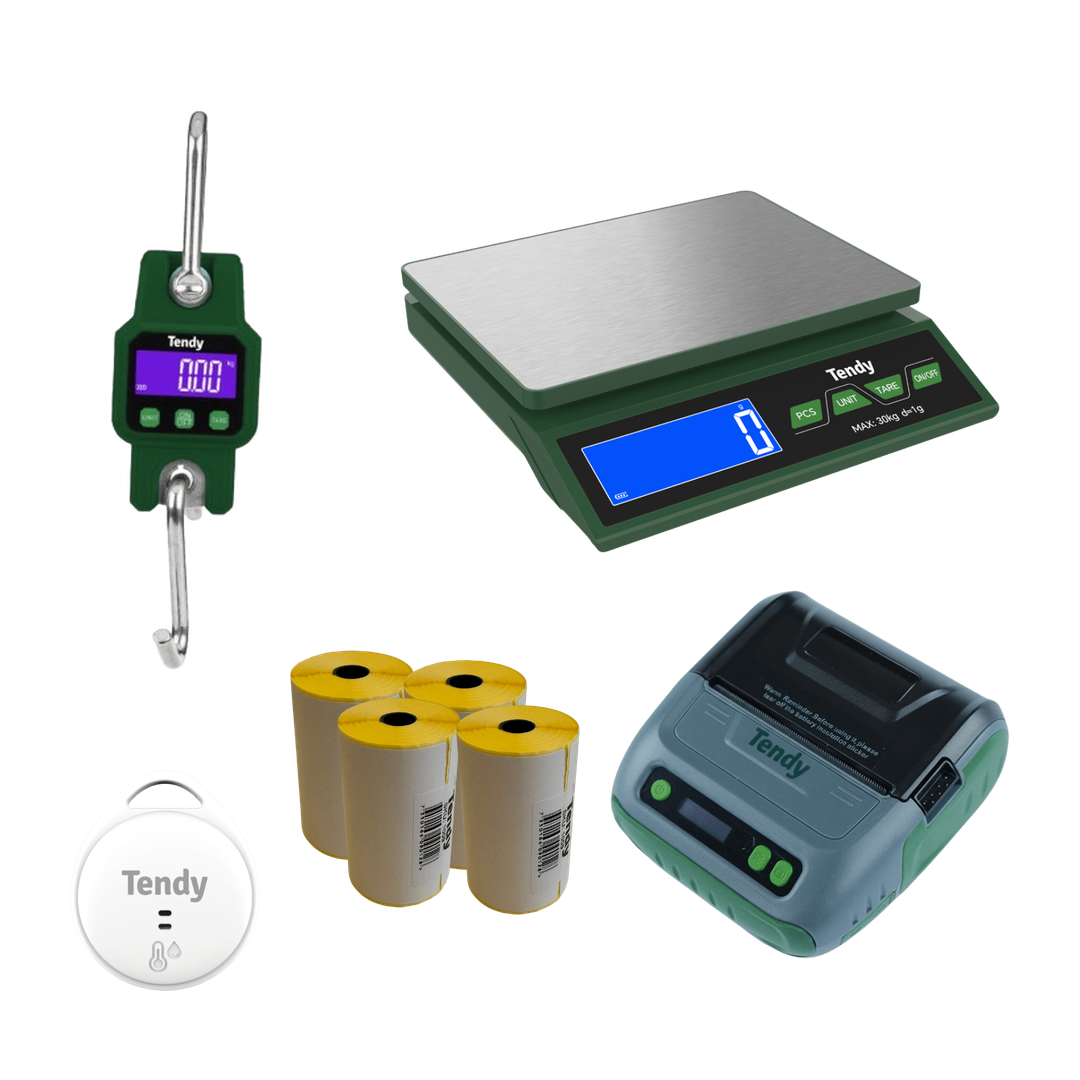
The whole system in one go. Nemus for ageing, Fluctus and Libra for weighing, Scriptor and four label rolls for labelling.
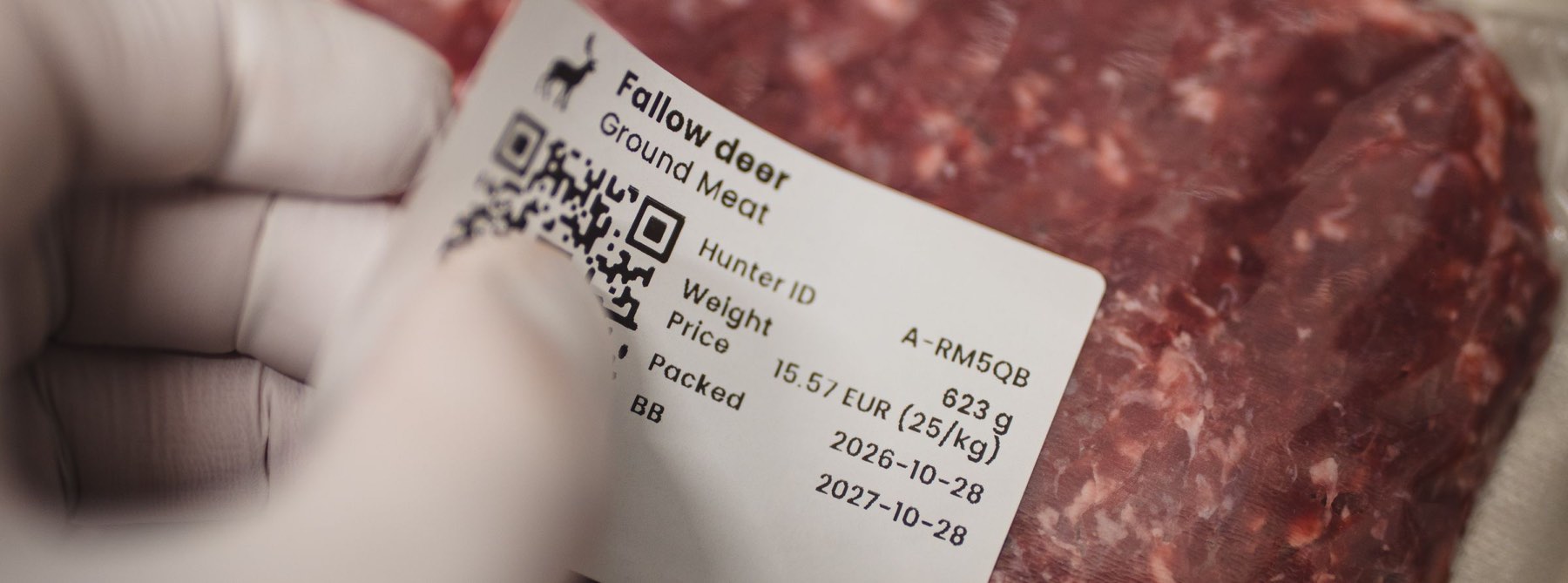
Auto print and hunting teams require Premium.
Handling game meat has never been easier
Everything you need, from the game in the aging cabinet to labeled packs in the freezer. Four products that work together through the Tendy app, plus labels so you can get started right away.
The package includes
Nemus keeps track of temperature and humidity during aging. You follow it in the app and see when the meat is ready, without having to go out to the aging cabinet to check.
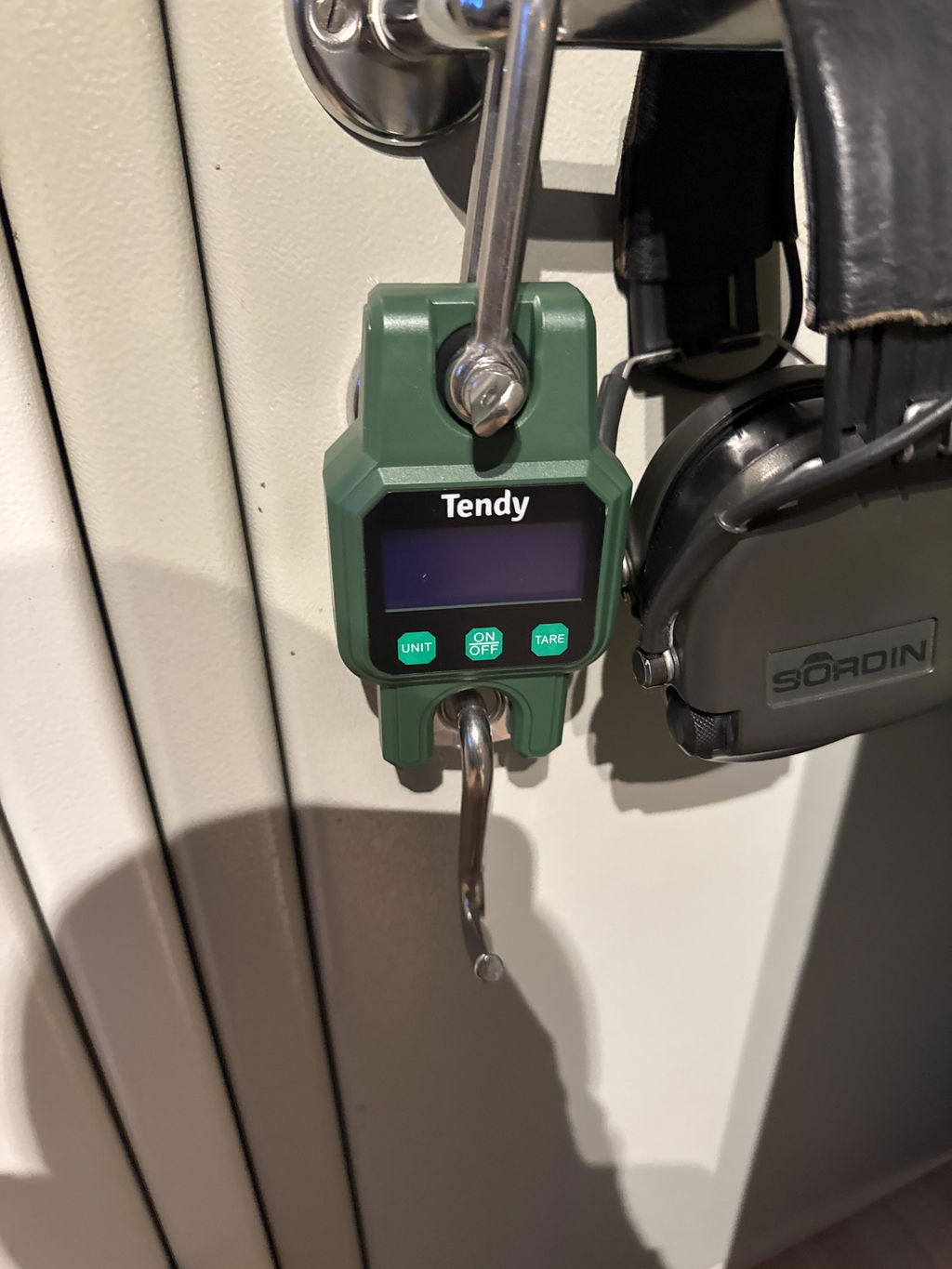
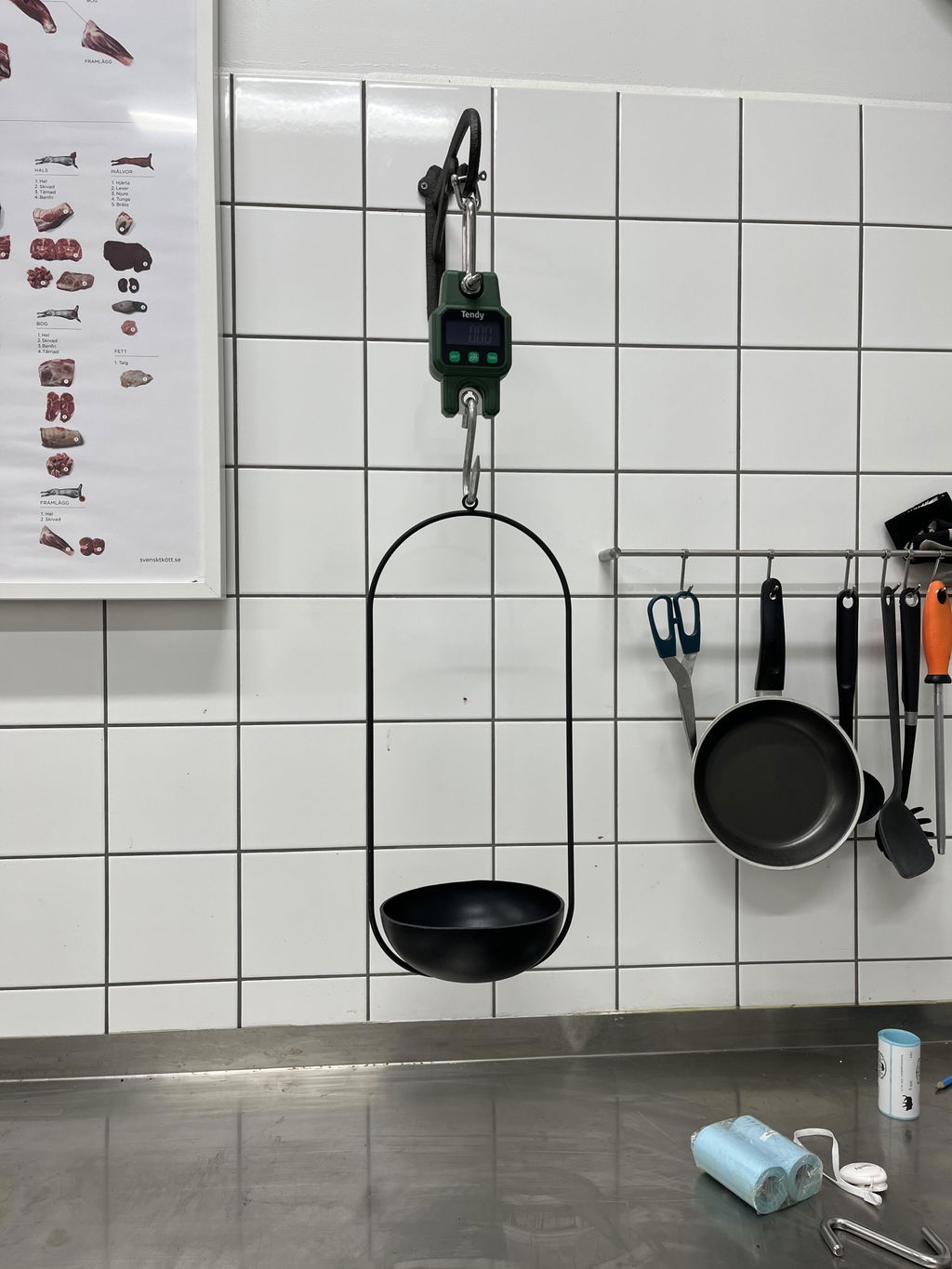
Fluctus weighs the whole animal, up to 300 kg. Live weight and carcass weight are saved straight to the aging in the app.
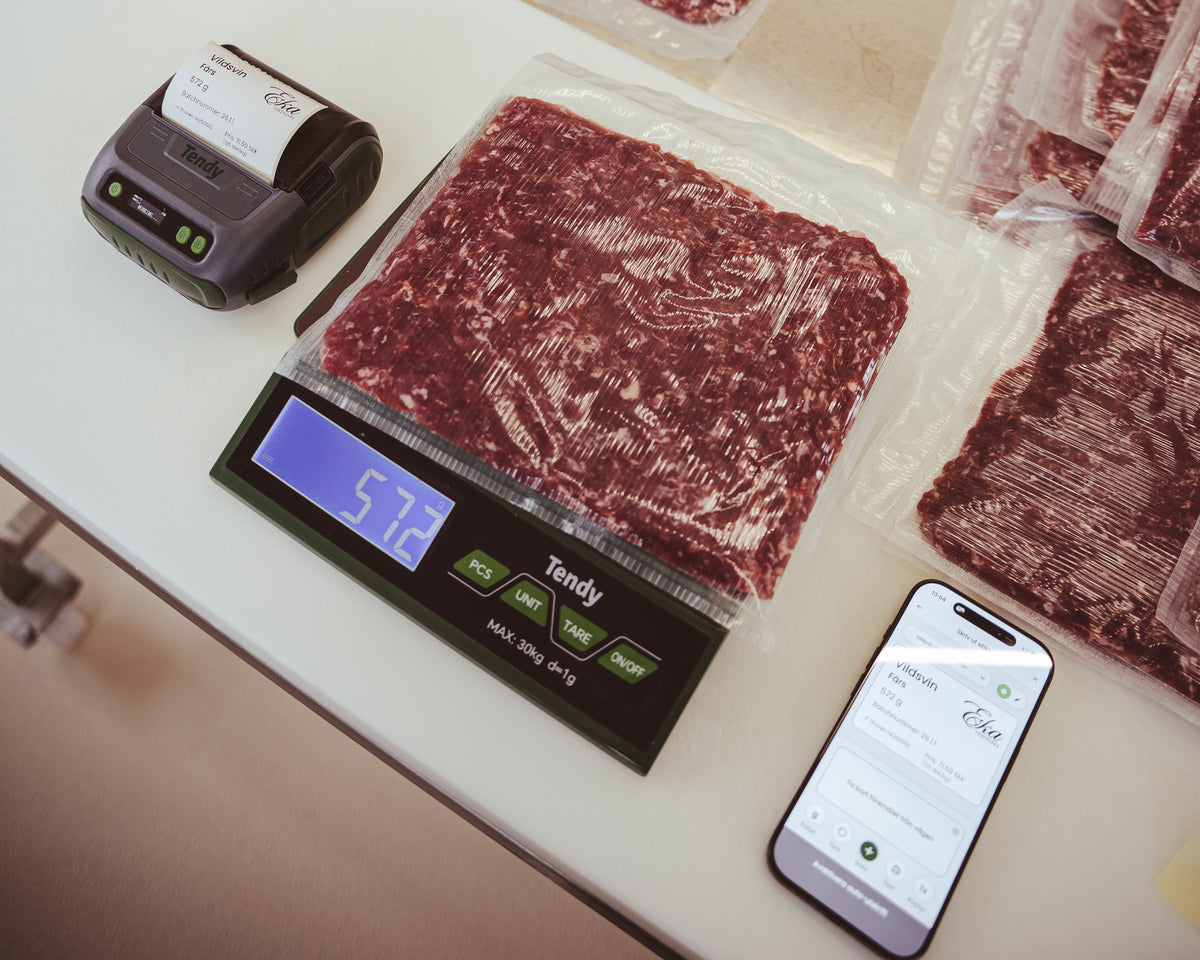
Libra weighs the cuts as you pack, accurate to the gram.
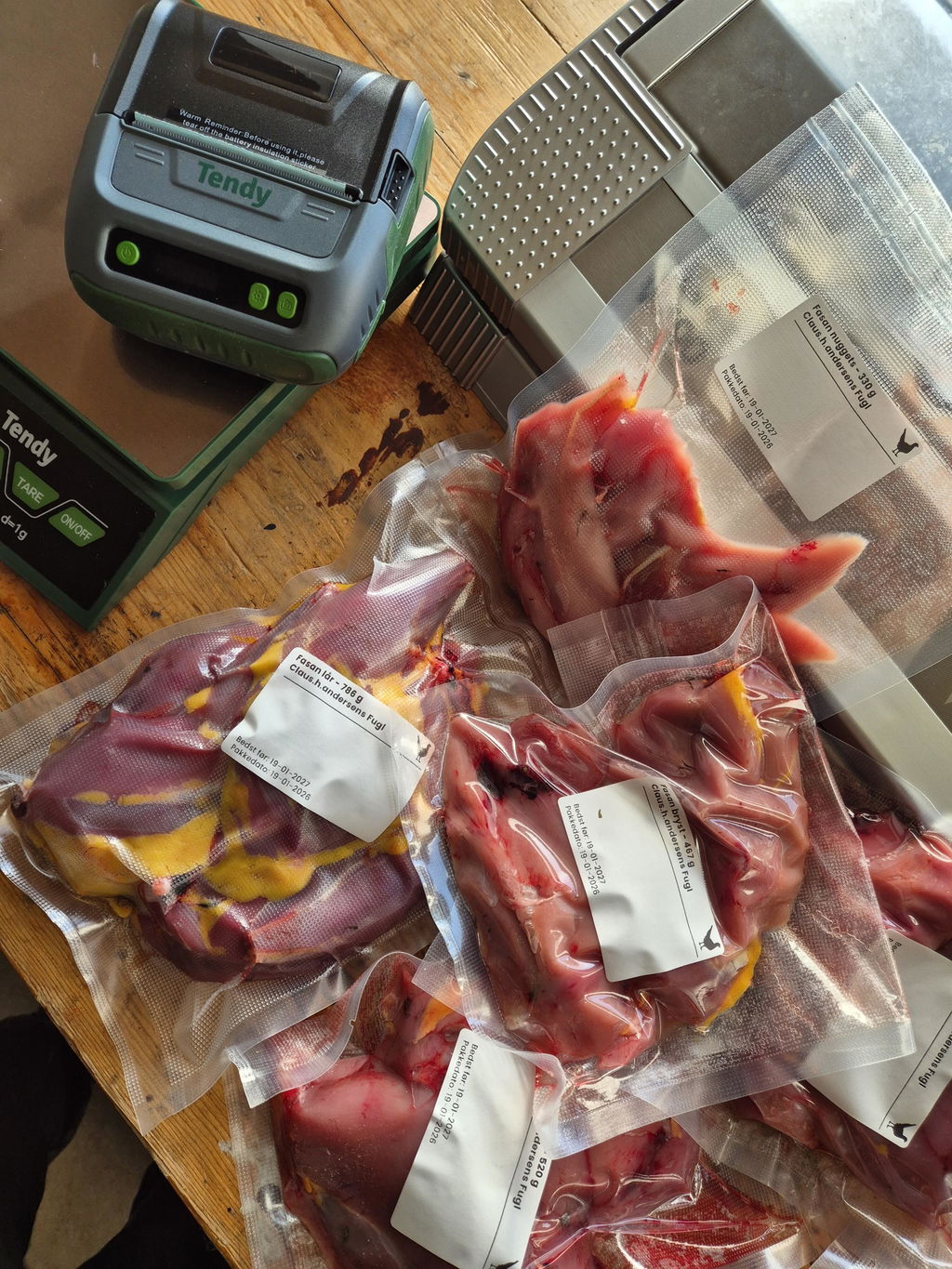
Scriptor prints the label straight from your phone. Species, cut and date are pulled from the aging via Bluetooth, so every pack can be traced all the way from the field.
With Tendy Premium, Libra and Scriptor are linked with Auto print. You put the meat on the scale and the label prints automatically with the right weight. Premium is a subscription in the Tendy app.
Nemus, Fluctus, Libra, Scriptor with charger and four label rolls 76 × 50 mm. Fluctus needs three AAA and Libra three AA batteries, not included.
Free shipping from £150. Delivery in 3–8 business days. 14-day right of withdrawal. 3 years of protection against defects.
 Libra tabletop scale
★★★★★
”Appsolut den bästa våg har har haft så jag kan få vikt på etiketterna”
Libra tabletop scale
★★★★★
”Behändigt med en våg som är kopplad så att vikten skrivs ut direkt på lappen.”
 Scriptor label printer
★★★★★
”Jättebra! Rekommenderas för alla som packar kött hemma.”
Libra tabletop scale
★★★★★
”Ei ongelmia, toimiin luvatusti.”
Scriptor label printer
★★★★★
”Super Gerät, funktioniert einwandfrei, besser als erwartet.”
Can’t find the answer? Chat with us, we usually reply within two hours.
Open the chatNo. The app is free and you print with the standard templates. Premium adds custom templates, auto print and hunting teams.
Yes. All parts are also sold separately, and you can add more over time.
You can run five different aging processes simultaneously with your Nemus, which is synced to the Tendy app.
Yes, you can download the Tendy app from the App Store or from Google Play. Search for Tendy.
Both yes and no.
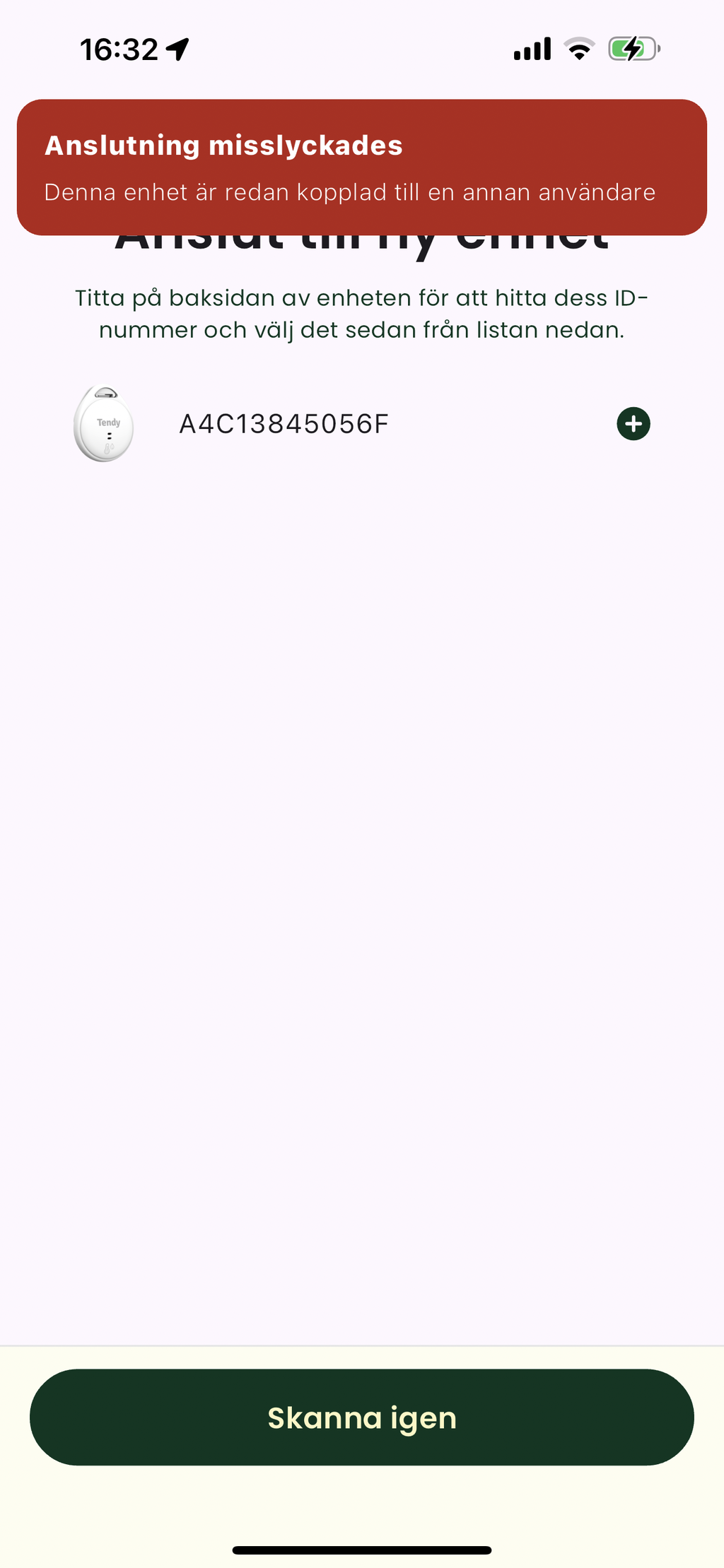
When you buy a Nemus aging timer and sync it with your account, it is locked to you. This means that no one else can sync data or use it, making it less attractive to thieves and ensuring that you can be certain which data is synced to your aging process. The device cannot be used by anyone other than you, its owner, unless you allow it through a hunting group.
If you want to share your Nemus device so that more people can sync with it, you need to add it to a hunting group. There, you can invite the hunting companions you wish to share the data and device with.
This hunting group and device-sharing feature is a premium feature.
Yes, the app is free to download for both iOS&Android users.
Using Nemus is free for up to 5 simultaneous aging processes for you as the device owner. If you need more aging processes at the same time, you need a premium subscription.
Nemus is linked to your account and cannot be shared unless you create a hunting team, which requires a premium subscription.
No, it is very easy to get started with your aging processes with Tendy. You can read more about how to connect your Nemus device to the app and get started HERE
At most, you can sync the device from about 25 meters away. What affects the distance is whether there are walls or similar obstacles between you and the device.
Nemus measures temperature and humidity every five minutes.
The battery lasts for about one year with normal use. If you store your Nemus device at room temperature and do not keep it in a cold room, the battery will last longer.
Yes, Nemus is completely waterproof and is IP67 rated. It is easy to clean your device with some soap and water.
Nemus measures the temperature with a precision of +/- 0.3°C and humidity at +/- 2%.
No, after you have synced the scale in the app, the app will easily find the scale and read the weight.
Fluctus can handle a maximum weight of 300 kg.
You can sync "slaughter weight" and "live weight" using your Fluctus scale directly into the Tendy app. Fluctus cannot be used to weigh and print labels with Scriptor for, for example, vacuum-packed meat.
Yes, you can download the Tendy app from the App Store or from Google Play. Search for Tendy.
No, it is very easy to get started with Fluctus and get the weight into the Tendy app. You only need to sync your device when it is time to weigh. It is important that the scale is switched on when the app searches for it. You do not need to press any button or anything like that, the scale just needs to be switched on for the app to find it.
You can sync carcass weight & live weight to your aging session with Fluctus.
At most, you can sync the scale from about 10 meters away. What affects the distance is if there are walls or similar obstacles between you and the device.
No, it works perfectly fine to use the scale just like usual without syncing the weight to the Tendy app.
You only need to open the small hatch on the back and insert three AAA batteries. Batteries are not included when you buy your Fluctus scale.
Between 150g-100kg the precision is about 50g.
Between 100kg-300kg the precision is 150g.
Yes, it works if everyone in the hunting team has a premium account (see current prices) and shares the device with your hunting team. Then everyone who is a member of the hunting team can use Scriptor.
Yes, Scriptor and Libra are perfect to have together for easily printing labels with the weight on them. If you have a premium subscription, you can also use the auto-print function, which makes it even faster.
Yes, you can download the Tendy app from the App Store or from Google Play. Search for Tendy.
Yes, the app is free for both iOS & Android users. There is a premium subscription (see current prices) for those who want to share their device and also create their own label designs.
No, it is very easy to get started. You need to connect and take "ownership" of your device. Then just remove the battery cover, turn on the device, place the labels, and go.
At most, you can sync the device from about 10 meters away. What affects the distance is whether there are walls or similar obstacles between you and the device.
No, Scriptor is a thermal printer that never needs new ink or anything like that. Just load it with labels and go.
The battery lasts about 3–5 hours. You can also keep the printer plugged into a wall socket while you print. Use the included adapter, or a charger of max 5 V/1 A. Stronger chargers, such as fast chargers for your phone, will not charge the printer.
There are 130 labels on the roll that comes with your Scriptor when you purchase it. When you buy a Scriptor, a roll of labels is included. More can be purchased in sizes 76x50 (260 labels/roll) and 76x76 (170 labels/roll).
Yes, the labels are special to withstand being in the freezer, and the text will not smudge or blur. The vacuum bags/plastic bags must be dry when applied for them to stick properly.
Yes, there are two templates ready in the Tendy app that are free to use. One simpler template with less information and one with a bit more information.
If you want to create your own templates/labels, you can do so if you have a premium subscription (see current prices).
Yes, it is possible, but we recommend using the labels as they are designed for the purpose. If you have other labels that do not have the same dimensions (76x50mm or 76x76), the margins on the printout may also be incorrect.
No, you only need to take ownership the first time you sync the scale by:
Go to Profile -> My devices -> + Sync new device -> Tap on Libra -> make sure the scale is turned on and sync with the scale.
You now have ownership of the scale and can start using it.
Yes, the auto-print function is a premium feature that requires an active subscription. A subscription costs the price shown in the app/year.
No, currently the Libra scale is not approved and certified according to CE-M / 2014/31/EU. Libra is currently undergoing testing to obtain this certification, but at present, it is not an approved commercial scale according to EU laws.
Scales used for pricing must be certified according to specific EU regulations (2014/31/EU). Tendy Libra does not meet these requirements and therefore cannot be used for sales by weight to end consumers.
However, it is excellent for weighing, tracking, cutting, inventory, and reporting.
We will update the information when the tests are completed.
No, it is very easy to get started with Libra and get the weight into the Tendy app. You just need to sync/take ownership of your device. Then all you have to do is click on the scale when you want to print a label with Scriptor to sync the weight. It is important that the scale is turned on when the app searches for the scale. You don’t need to press any button or anything like that, just have the scale turned on for the app to find it.
At most, you can sync the scale from about 10 meters away. What affects the distance is if there are walls or similar obstacles between you and the device.
No, it works perfectly fine to use the scale just like usual without syncing the weight to the Tendy app.
You only need to open the small hatch on the back and insert three AA batteries. Batteries are not included when you buy your Libra scale.
Between 0-15kg the precision is about 1g.
Between 15kg-30kg the precision is about 5g.
Yes, it is fine to remove the plate to wash it. You just lift it off and then put it back into the holes again.
You can easily choose the unit between Grams (g), Kilograms (kg), Pounds (lb), Ounces (oz), and Milliliters (ml).
Yes, you can reset (tare/zero) the scale both through the app and directly on the scale.
Rolls for Scriptor
100 pcs, two sizes
Table scale
Ageing timer
Fantastisk produkter- hurtig levering. No bullshit 🙂
Sehr zu empfehlen👍
Enkel att installera och använda. Snygga ettiketter gör sig bra och det blir lite roligare att paketera köttet samtidigt som har all info på dom.
Mycket bra produkt
Bra å enkelt
Bra.
Synpunkter, man kan inte prissatta varje enskild etikett, synd.
Hejsan Erik,
Det går absolut att sätta pris/kg på varje etikett, dock kräver det att du har ett premium abonomang för 299 kr/år.
VI kommer även med en uppdatering där du kan välja pris/kg för olika styckdetaljer och djur, vågar dock inte lova när den uppdateringen lanseras.
Allt gott,
Eric
Tendy
En välfungerande produkt för hobby slaktaren.
Bra support på mail
Det var inte det enklaste att byta ägarskap
Hur gör man då detta kommer upp
Very Nice product
Nöjd
Lätt att använda tillsammmans med skrivaren
Helnöjd med skrivare och vaccumpåsarna jag köpte, snyggt och smidigt
Appsolut den bästa våg har har haft så jag kan få vikt på etiketterna
Behändigt med en våg som är kopplad så att vikten skrivs ut direkt på lappen.
Jättebra! Rekommenderas för alla som packar kött hemma.
Otroligt nöjd över alla grejerna jag har, både scriptor och libran
Grymma gräjer svårt all leva utan i dag
Mycket fint att ha i slakteriet
Jättefin service och bemötande av personalen
Hyvä liima
Ei ongelmia, toimiin luvatusti.
Yhdistäminen kävi käden käänteessä, ainoa haaste on saada tarrojen välit juuri kohdalleen katkaisua varten
Fin og nem
Fin og nem
Super Gerät, funktioniert einwandfrei, besser als erwartet.
Bra funktion, duger för mig!
Effektiv og driftsikker
Super effektiv og driftsikker
Godt produkt,
Liten våg som kan väga tungt